Setting Up
1. Install Unity Hub
Download Unity Hub: https://unity.com/download
Install it before moving to the next step.
2. Install the Required Unity Version
After installing Unity Hub, use this link to install the correct version:
Required version: Unity 2021.3.28f1
Wait for the installation to finish before continuing.
3. Download the Base Project
Download the base project:
Unzip it to any folder on your computer.
4. Open the Project
Open Unity Hub. Click Open and select the unzipped project folder.
If everything works, you should see this:
Orienting Yourself
If the project opened correctly, your layout should look similar to this:
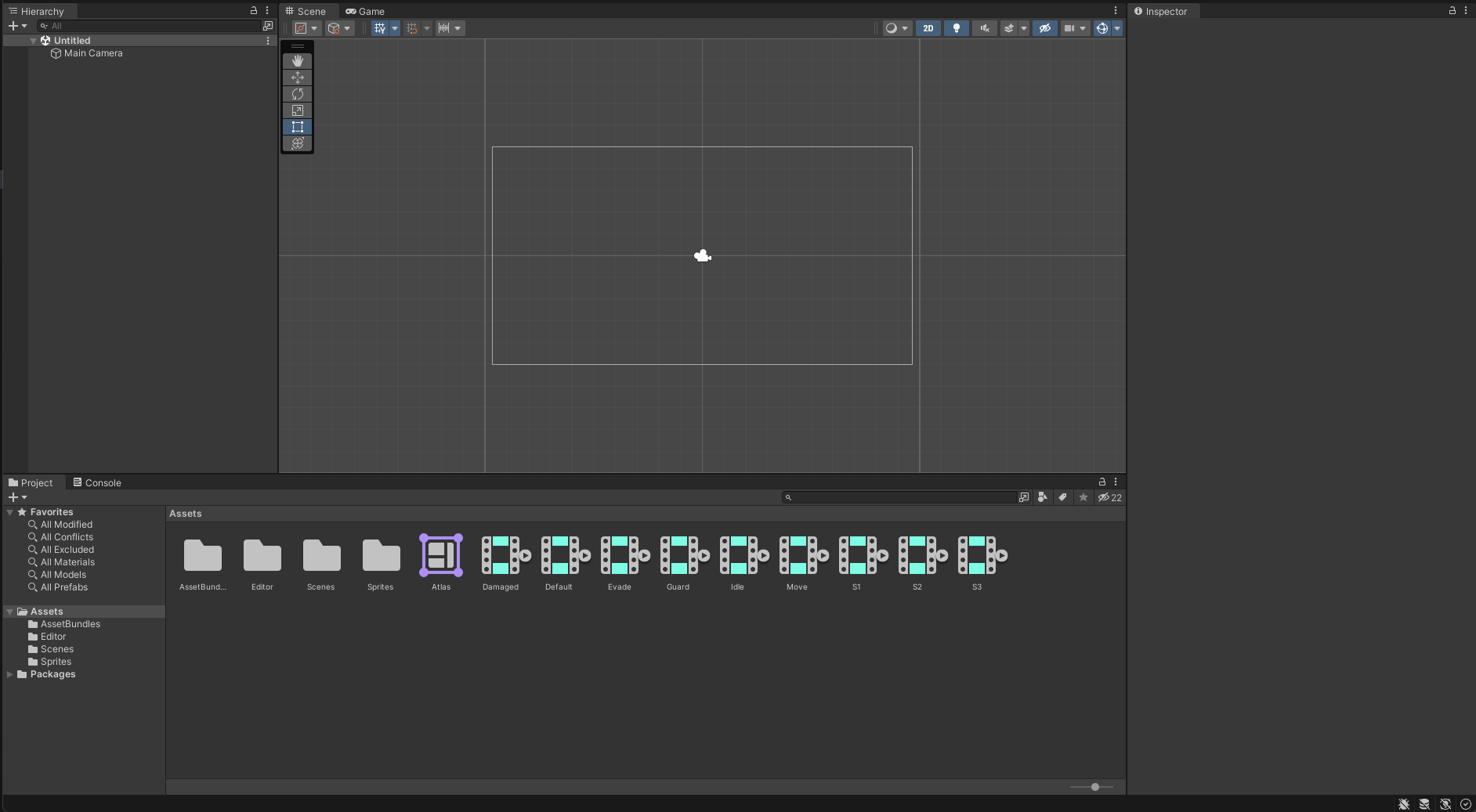
Open the Lethe Scene
In the Project window:
- Open the Scenes folder
- Select the Lethe scene
After opening the scene, your view should look like this:
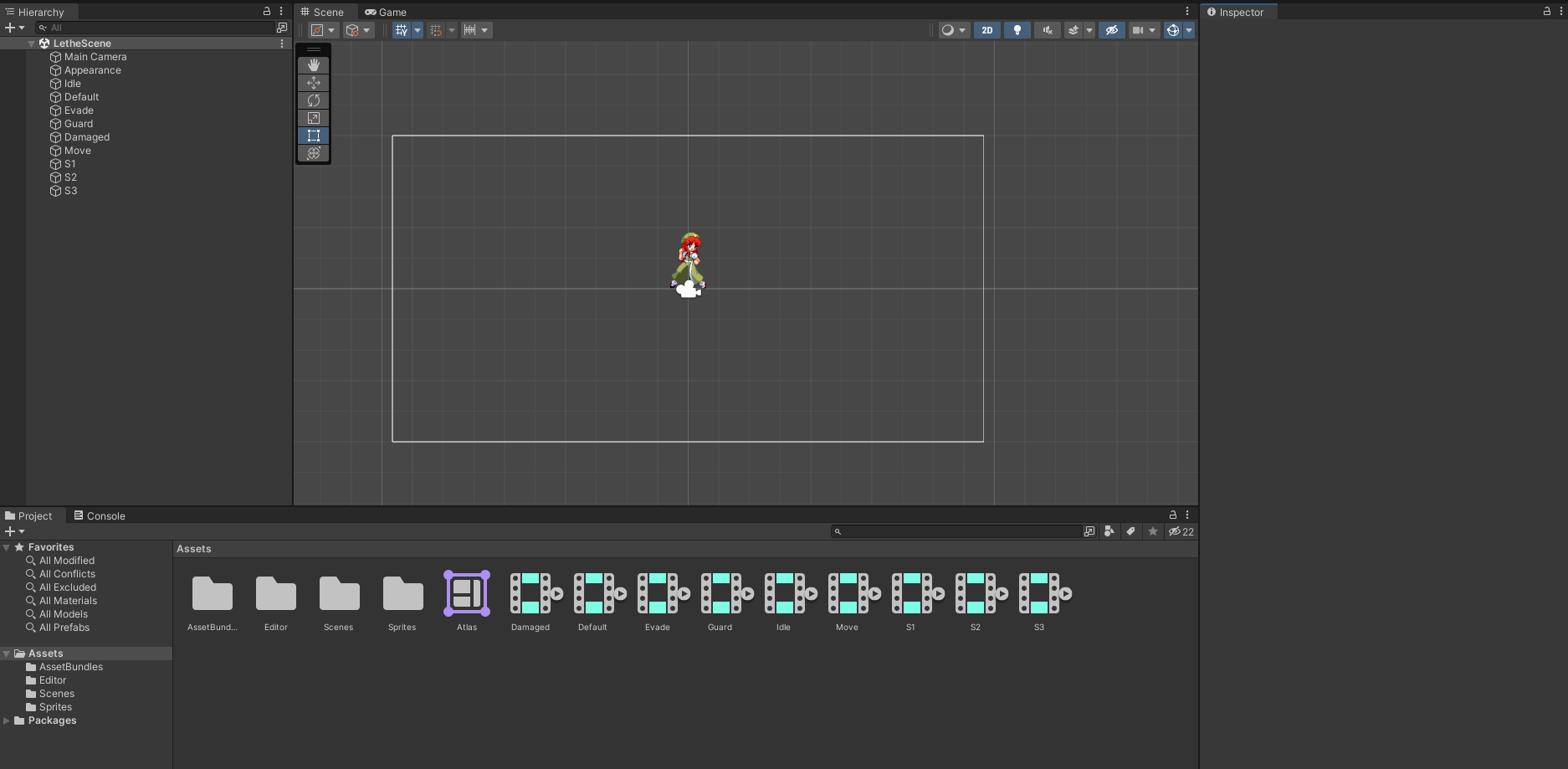
You are now ready to start modding.
Next, we will cover how to Create Your First Motion.